# Introduction
> Welcome to the Hiresweep documentation. Hiresweep tailors your resume to every job you apply for and fills in the application forms for you.
## What is Hiresweep?
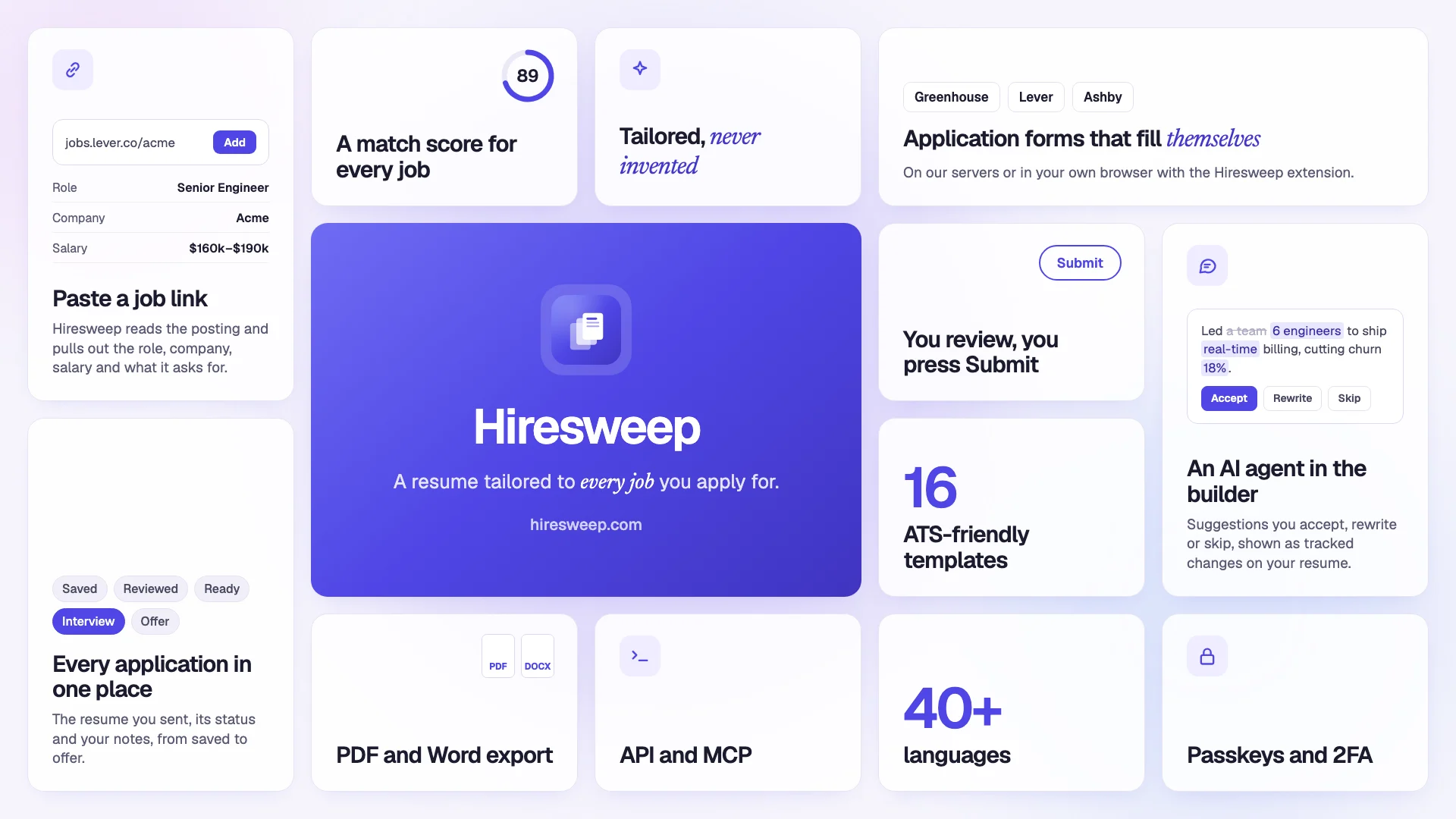
**Hiresweep** takes you from your resume to sent applications. It finds openings that fit your resume, reads each posting, scores your resume against it, writes a tailored copy and a cover letter, and fills in the employer's application form. You review everything before it is sent, unless you choose to let it send on its own.
Hiresweep suggests the roles your resume fits and searches thousands of companies' job boards for openings.
Each application gets a resume rewritten for that posting, without inventing experience you do not have.
Hiresweep fills in employers' application forms with your details and answers, and waits for you to submit.
Templates built to parse cleanly in applicant tracking systems, with a live preview as you type.
Every job you apply to, the resume you sent, its status and your notes, kept together.
The AI agent drafts, rewrites and checks your resume, and nothing changes until you accept it.
## Key features
Hiresweep suggests job titles from your resume, searches company job boards on Greenhouse, Lever, Workday and more,
and can repeat the search every day or week. See [Discovering jobs](https://docs.hiresweep.com/guides/discovering-jobs).
Paste a job link to save it, choose the resume you will send, and follow the application from saved to offer. See
[Tracking job applications](https://docs.hiresweep.com/guides/tracking-job-applications).
Hiresweep fills the application form for you, in your own browser with the Hiresweep extension or in its own browser
in the background, and asks you when the form needs something your resume does not answer. See [Applying to
jobs](https://docs.hiresweep.com/guides/applying-to-jobs).
Resume analysis, tailoring, the AI agent and PDF or Word import all run on Hiresweep AI, with nothing to set up.
See [Using AI](https://docs.hiresweep.com/guides/using-ai).
Sixteen templates, custom fonts and colors, rich text, multiple pages and a real-time preview. Export to PDF or
Word, or share a public link. See [Creating your first resume](https://docs.hiresweep.com/guides/creating-your-first-resume).
Automate your resumes with the [API](https://docs.hiresweep.com/guides/using-the-api) or connect an AI assistant through the
[MCP server](https://docs.hiresweep.com/guides/using-the-mcp-server).
Coaches and agencies can apply on behalf of clients, with approval links and a shared progress report. See
[Working with clients](https://docs.hiresweep.com/guides/working-with-clients).
The app can be switched to more than 50 languages, including right-to-left ones, and each resume can use its own
language for section headings. See [Setting preferences](https://docs.hiresweep.com/guides/setting-preferences).
## Getting started
Create an account and send your first tailored application.
Build a resume from scratch, or import the one you already have.
Every feature, where it lives in the app, and the guide that explains it.
What is free, what each plan includes, and what counts against it.
**Need help?** Email [support@hiresweep.com](mailto:support@hiresweep.com) and we will get back to you.